Calendar
See the day, the next three days or the week. Move between appointments and availability from a workspace that fits your phone.
Explore calendarTHE PLATFORM / Booking policies
Put reminders and clear policies around the time you reserve. Give clients the details they need before their appointment.
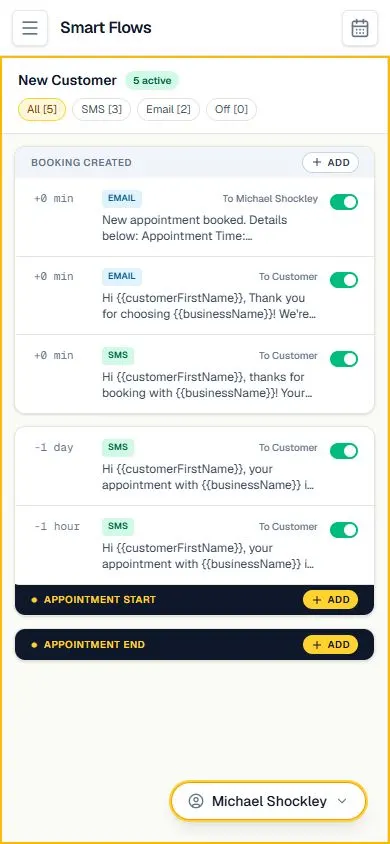
Optional saved-card settings support configured no-show and cancellation fees. Customers accept the policy before saving a card. A declined charge does not mean a fee was collected.
Optional saved-card settings support configured no-show and cancellation fees. Customers accept the policy before saving a card. A declined charge does not mean a fee was collected.
Explore the calendar, service menu and client conversations alongside the booking website. The relevant settings stay in the signed-in platform.
Review your service menu, availability, payment-provider setup and client policies. Confirm any feature or integration requirements before changing an existing live workflow.
Explore the tools around this workflow: online booking, Smart Flows, payments and your booking website.
Get to know Chairside, then continue to the platform to set up your own shop.
CREATE YOUR ACCOUNTAlready using Chairside? Sign in →