Calendar
See the day, the next three days or the week. Move between appointments and availability from a workspace that fits your phone.
Explore calendarTHE PLATFORM / Service management
Give every service a clear name, duration, price and place in the shop’s offering.
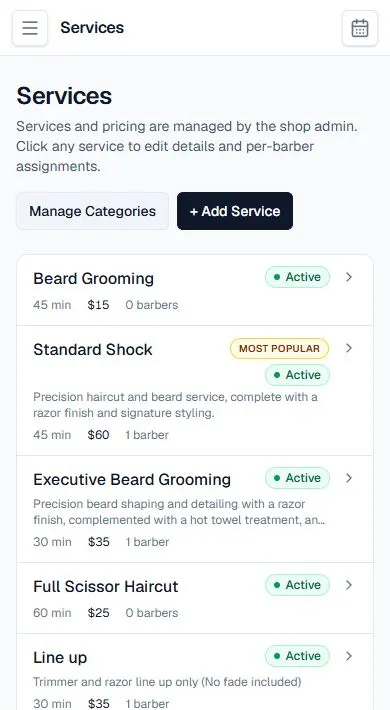
Categories and active status help organize the services clients see. Per-barber assignments connect the right work to the right team member. Retail stock management should be planned separately.
Categories and active status help organize the services clients see. Per-barber assignments connect the right work to the right team member. Retail stock management should be planned separately.
Explore the calendar, service menu and client conversations alongside the booking website. The relevant settings stay in the signed-in platform.
Review your service menu, availability, payment-provider setup and client policies. Confirm any feature or integration requirements before changing an existing live workflow.
Explore the tools around this workflow: online booking, Smart Flows, payments and your booking website.
Get to know Chairside, then continue to the platform to set up your own shop.
CREATE YOUR ACCOUNTAlready using Chairside? Sign in →